Lead management software for every campaign and client.
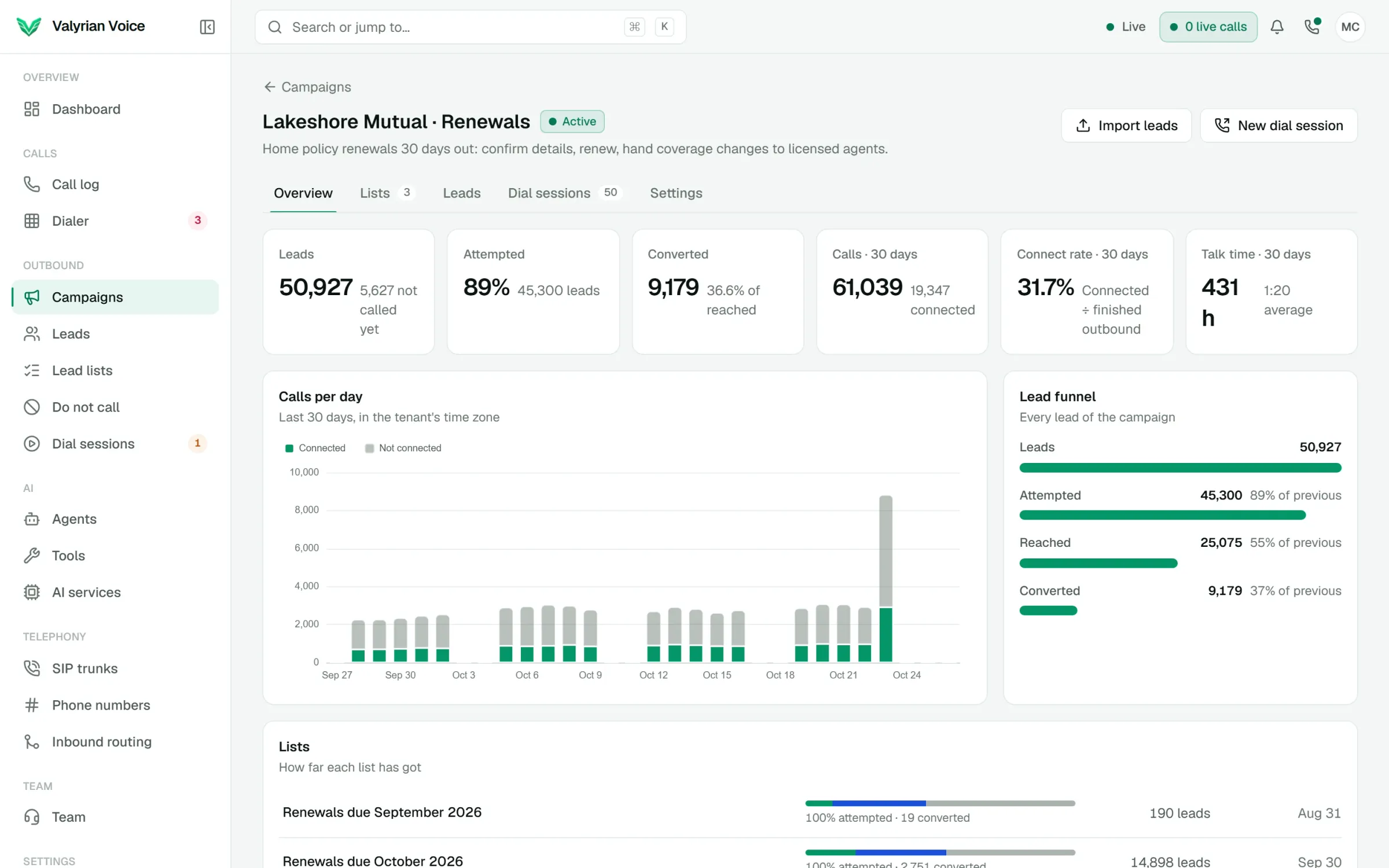
Lead management here starts with campaigns, one for each client if you run a BPO. Import lead lists from CSV or Excel. Then see how far each list has been worked and what it produced, for AI sessions and people dialing alike.
- 01
CSV and Excel imports with column matching
- 02
Progress, connect rate and conversions for every list
- 03
A do-not-call list that is never dialed
01
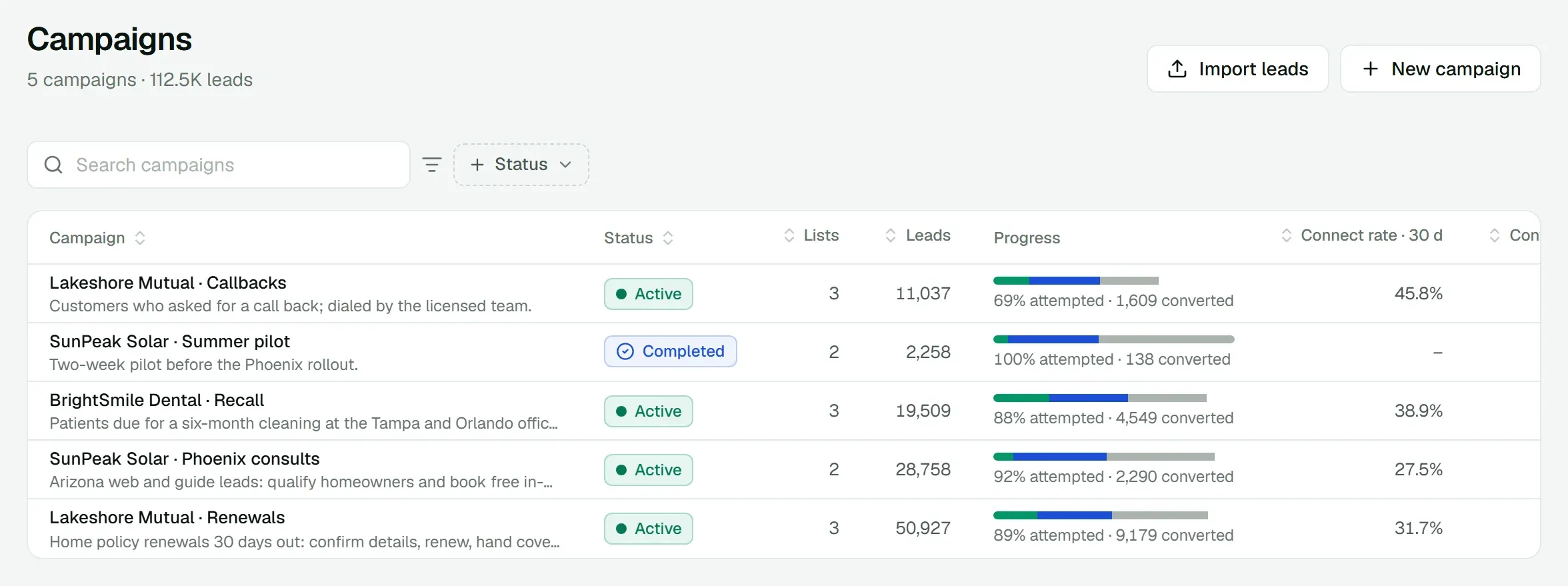
Every client campaign at a glance
Lists, leads, how much of each campaign has been attempted, its connect rate and conversions over the last 30 days. Pause a campaign or mark it completed when the work is done.
02
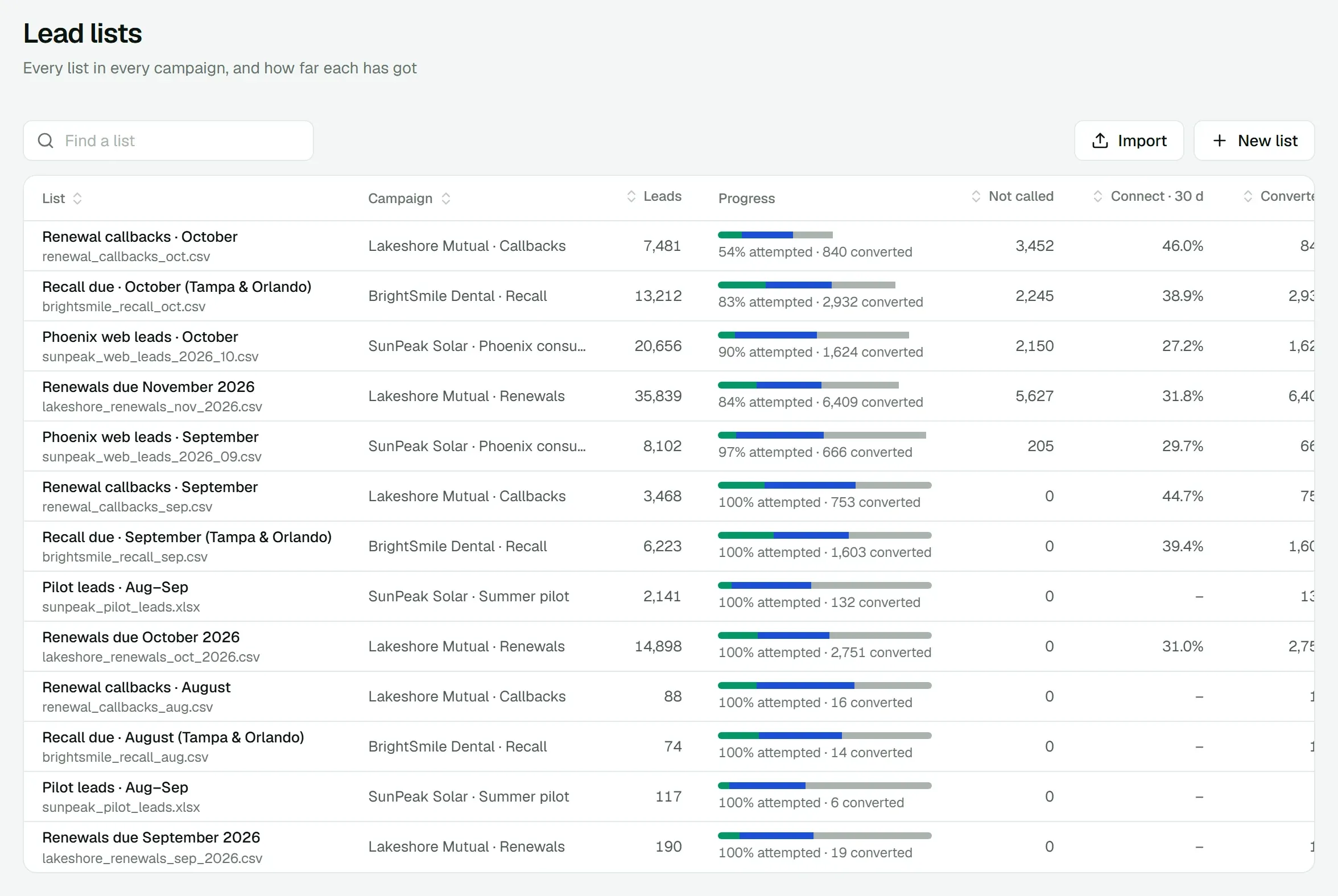
Lead lists you can trust
Each list shows its source file, how many leads it holds, how many have been called and converted, and its connect rate, so you know when a list is worked out.
Everything in Campaigns and leads
Included in the platform fee, like every other product. No charge per agent, per minute or per text.
How pricing works- CSV and Excel import
- Columns like name and phone are matched for you; the rest are kept as lead details.
- Lead statuses
- New, queued, contacted, interested, callback, converted, not interested, voicemail, do-not-call.
- Do-not-call list
- Upload a file, add numbers, or mark them from a call. Never dialed again.
- Lead history
- Every call with a lead, with its outcome, recording and summary.
- Filters and views
- Filter leads by status, list, campaign and when they were last called; save the view.
- Columns and export
- Pick the columns you see and export what you filtered.
- Campaign stats
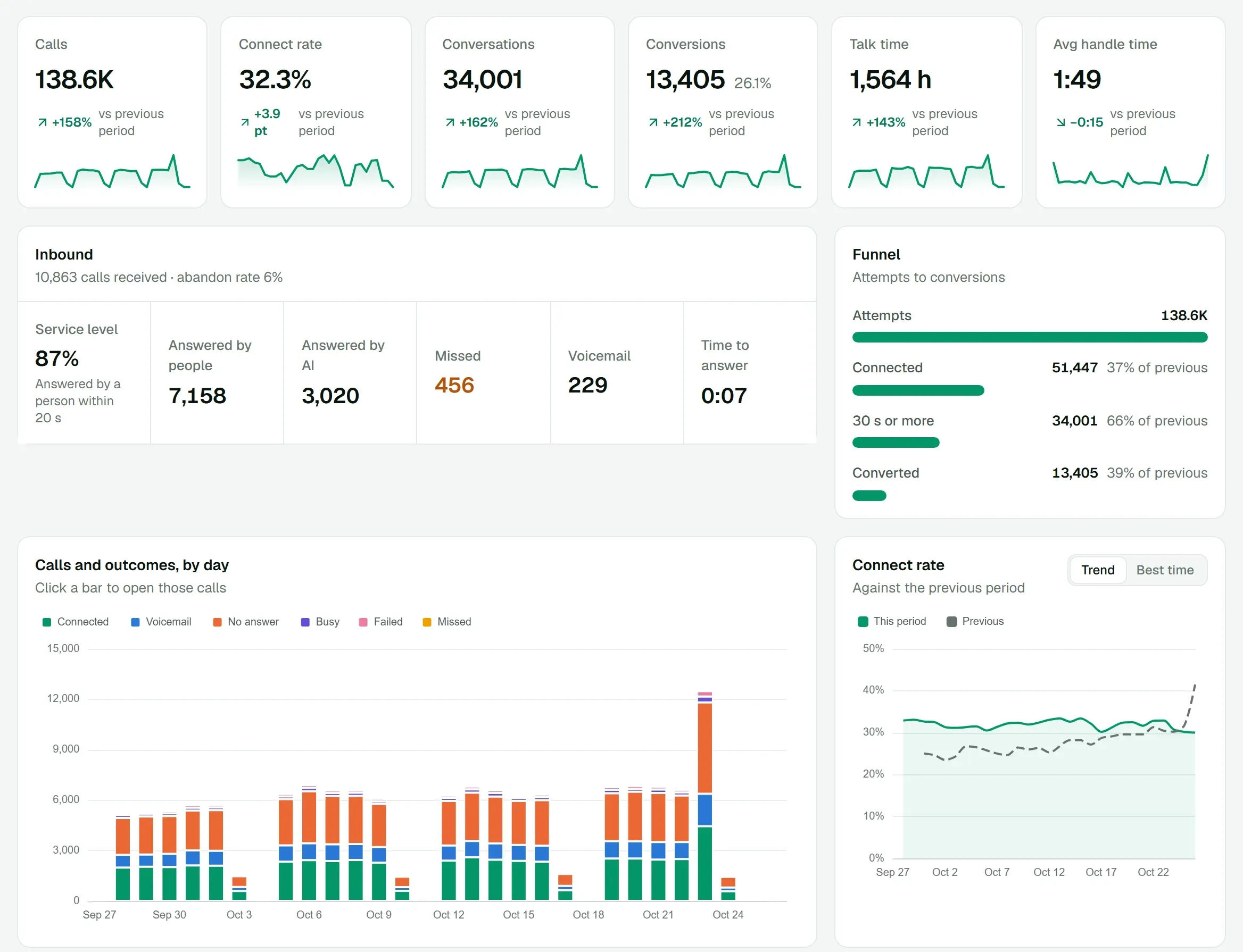
- Calls per day, connect rate, talk time and a lead funnel per campaign.
- For people and AI
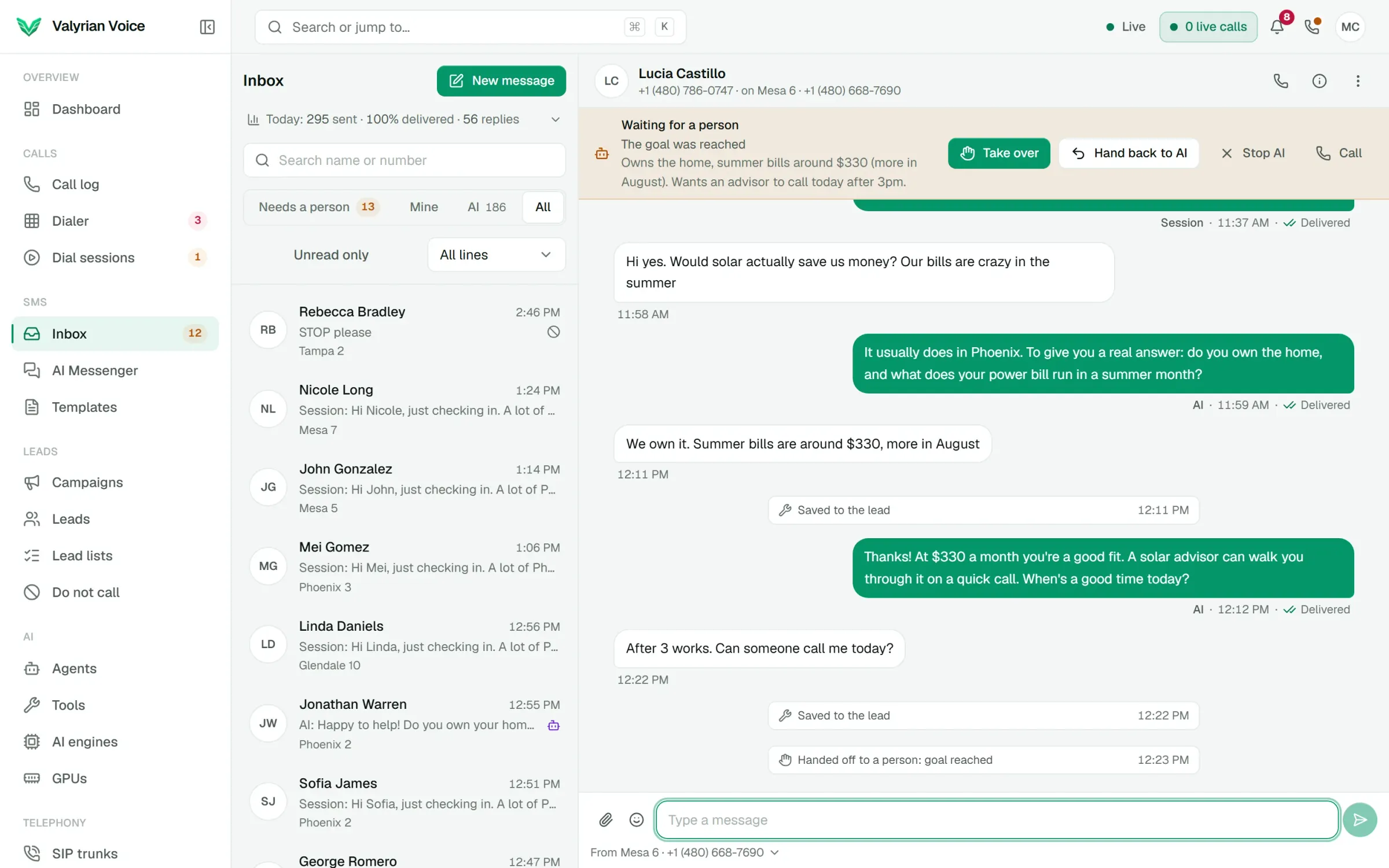
- The same leads feed AI dial sessions and agents on the dialer.
- Can a BPO keep each client's leads separate?
- Yes. Give each client its own campaign with its own lead lists, then report on each one: calls, connect rate, talk time and conversions.
- How do we import leads?
- Upload a CSV or Excel file. Columns like name and phone are matched for you, and every other column is kept as lead details.
- How does the do-not-call list work?
- Upload a file, add numbers by hand or mark a number from a call. A number on the list is never dialed again, by your people or by the AI.
- Is this a call center CRM?
- It covers the calling side of one: leads and their statuses, callbacks, and every call with a lead along with its recording and summary. Filter, save the view, export what you filtered.
Works with
All products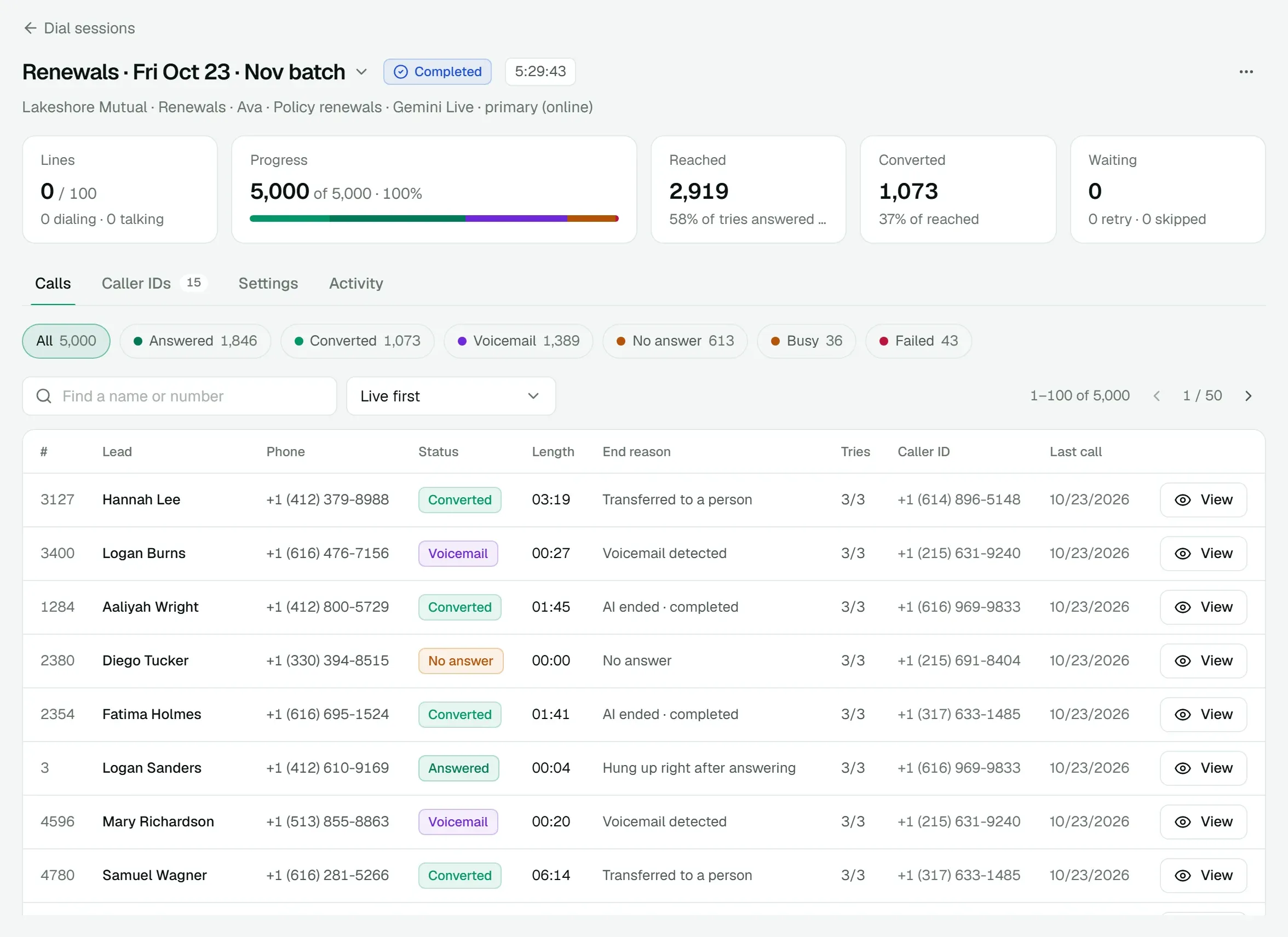
See it on a call of your own.
We'll walk you through the dialer, a live AI call and AI Messenger, then quote the platform for your floor.